Theme features
Everything Cobalt can do, and how to set it up.
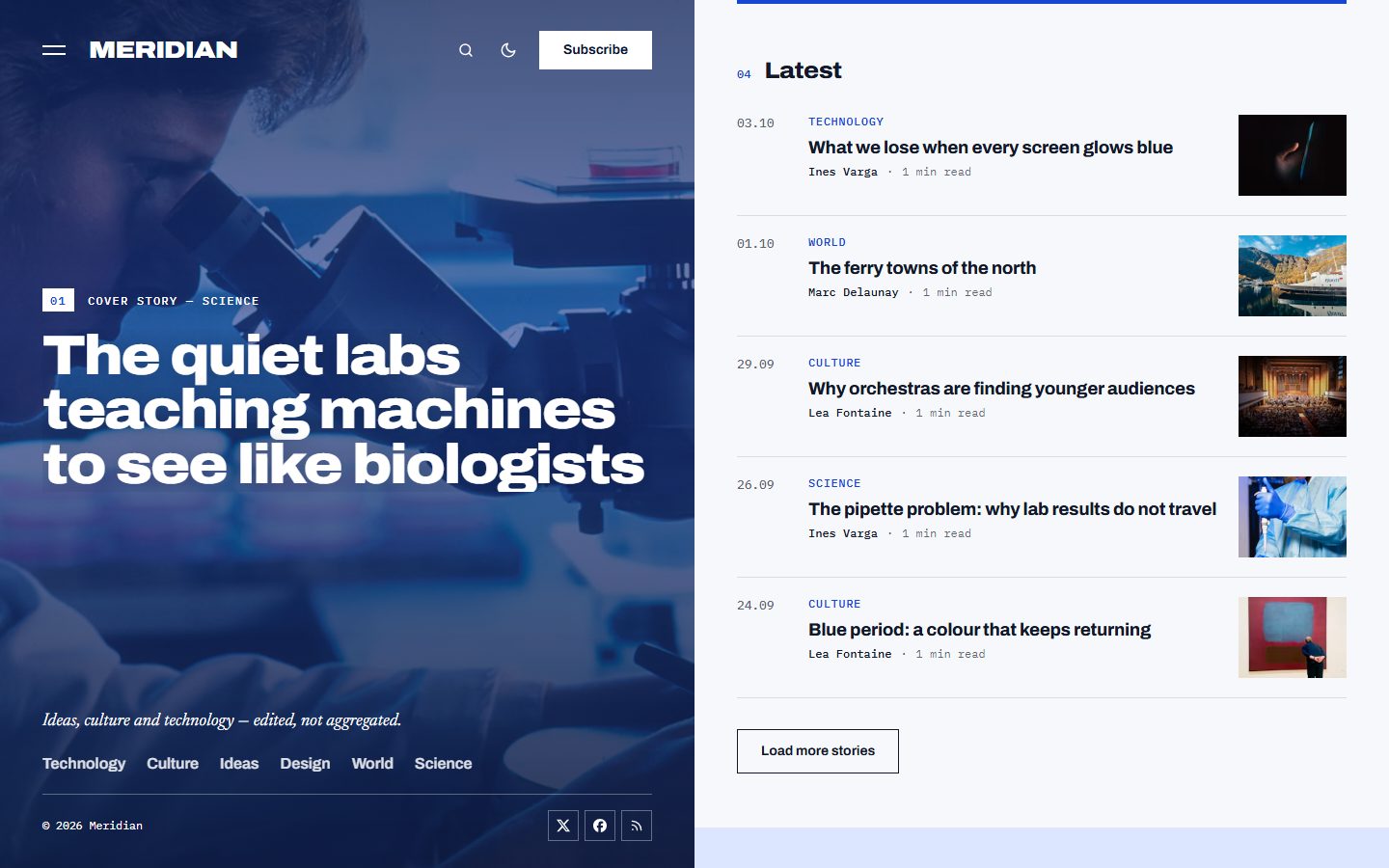
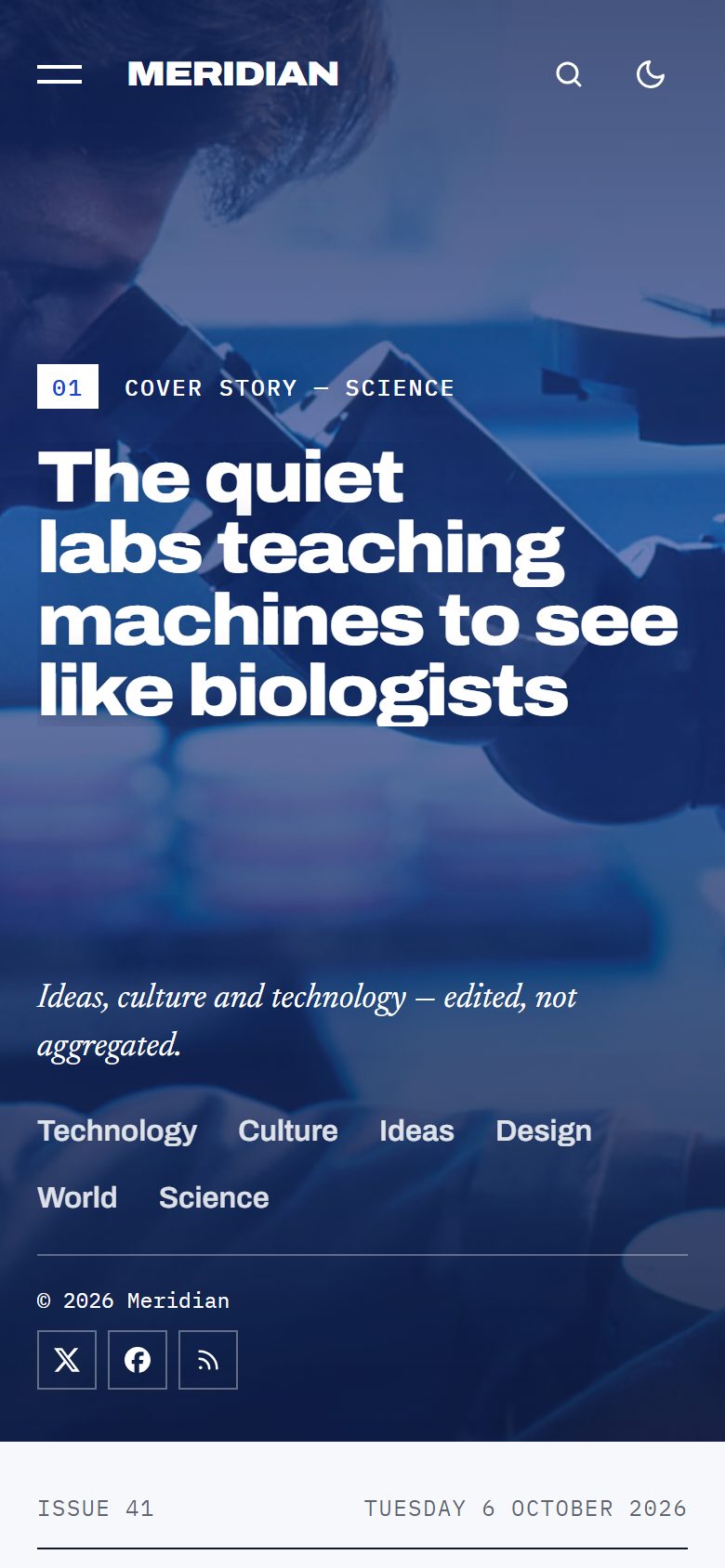
Cobalt is an editorial Ghost theme for magazines about ideas, culture and technology. The screen is cut in two: on the left, a live cobalt panel; on the right, the magazine. As you read, the panel follows you and shows the image and the big title of the story in view.
Here is what the theme does and how to set it up. Everything works out of the box, without code.
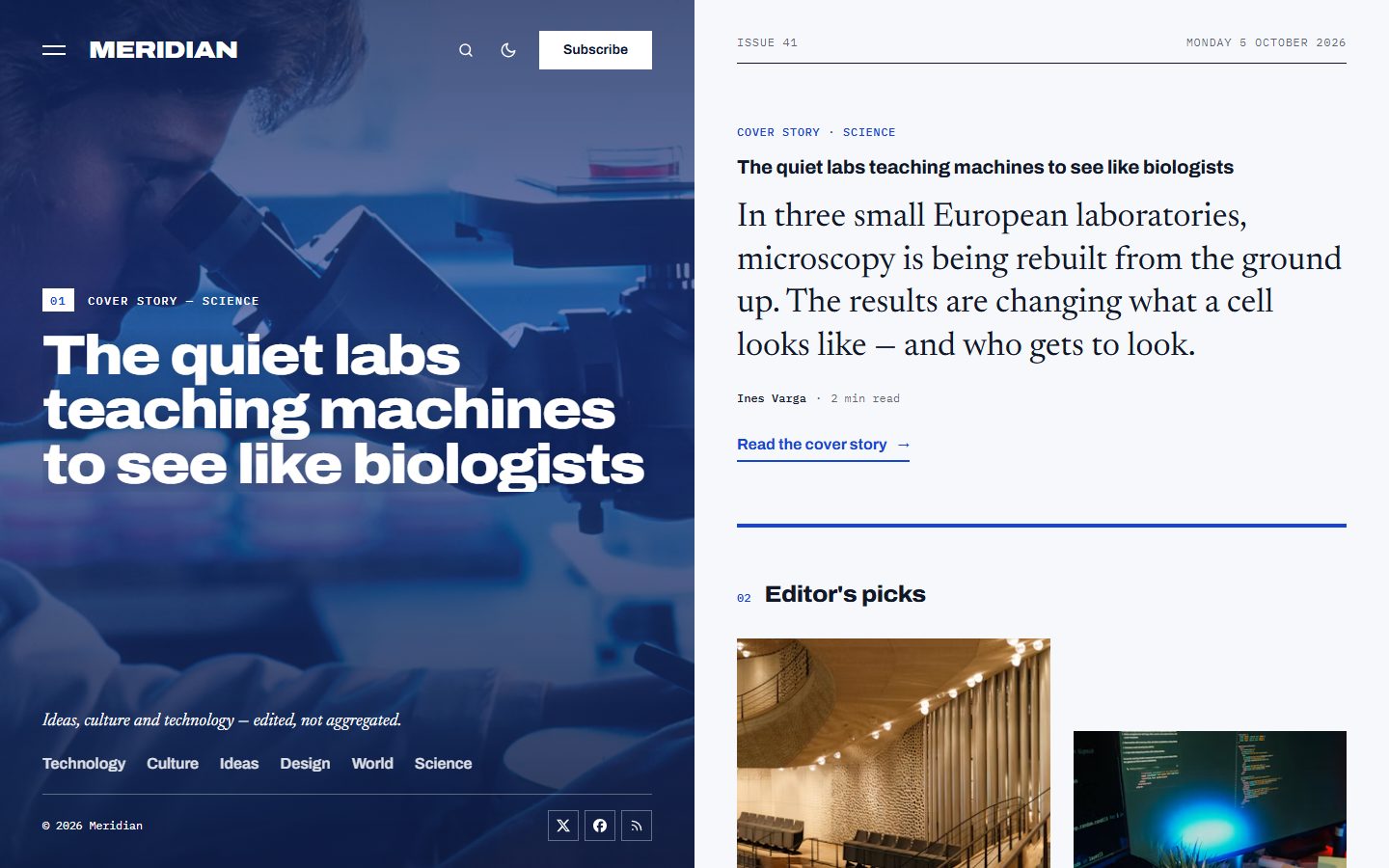
A panel that follows your reading
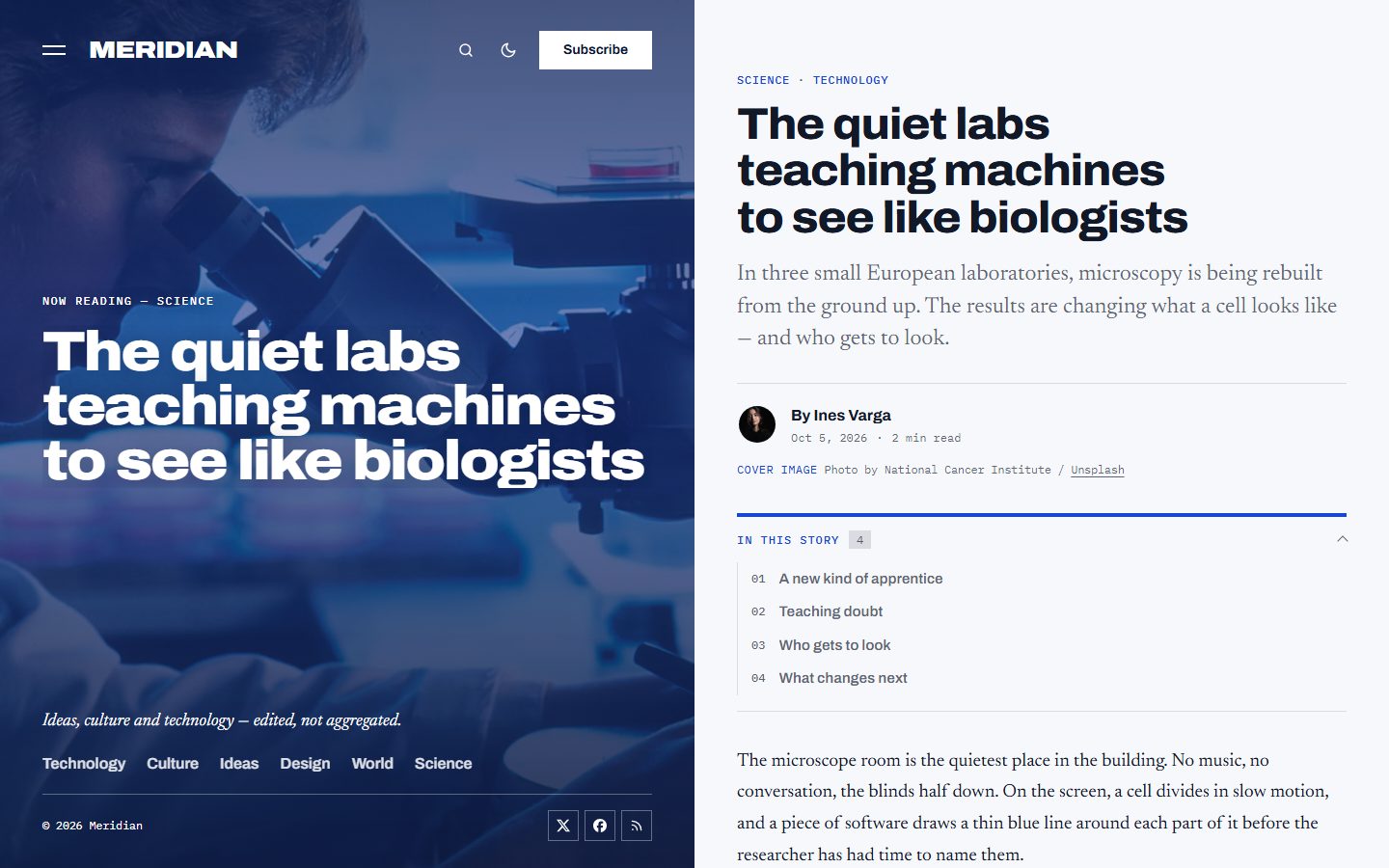
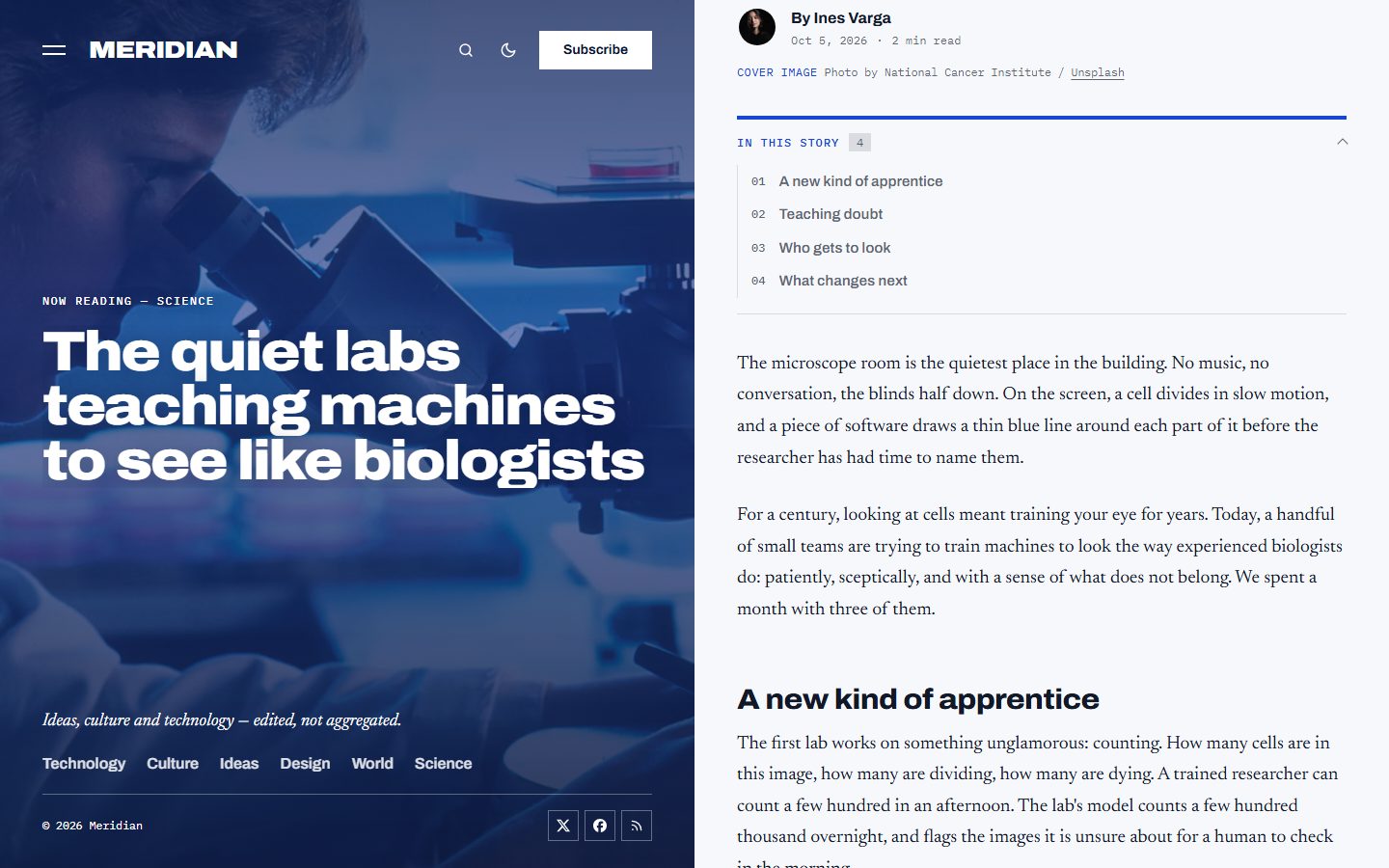
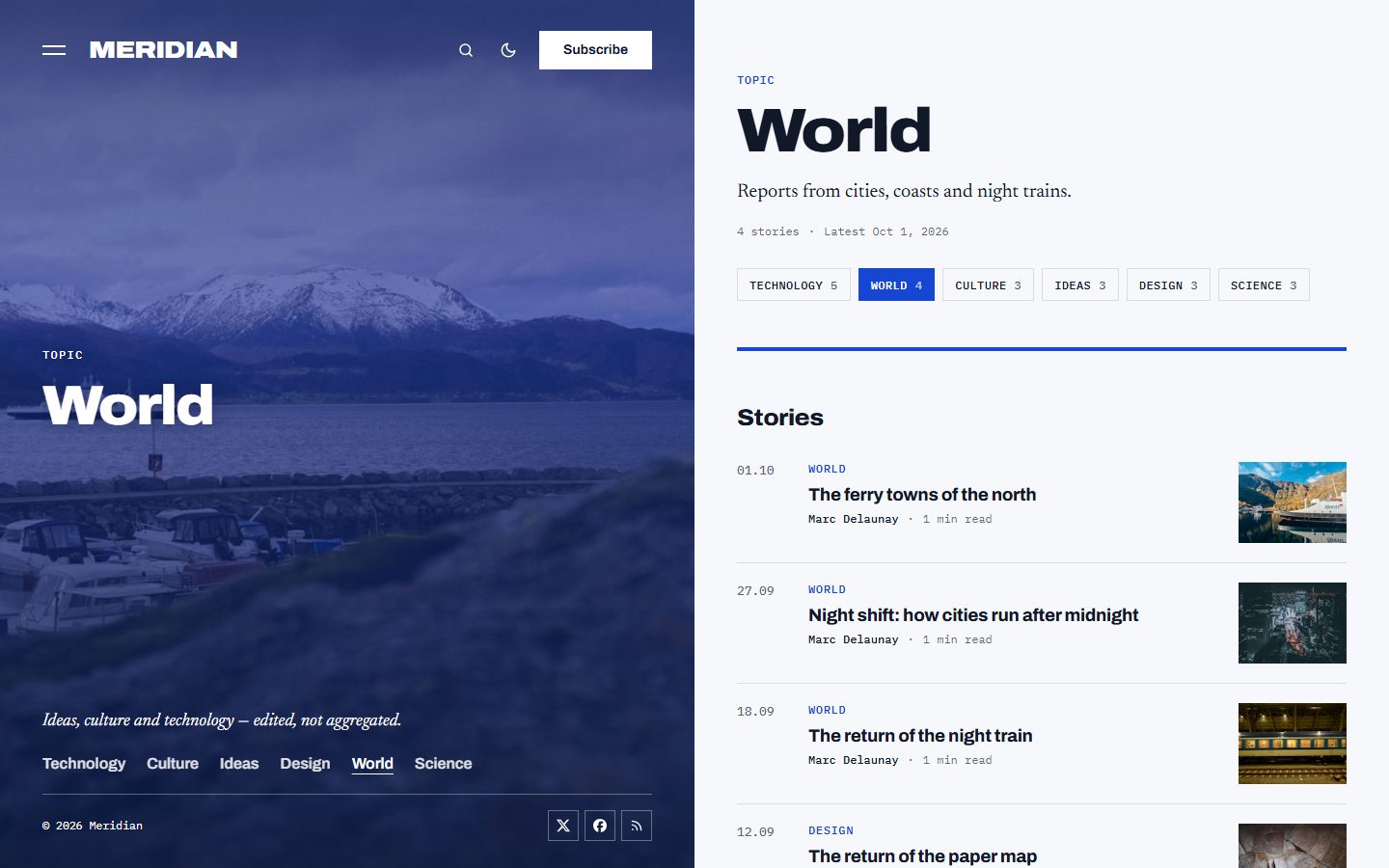
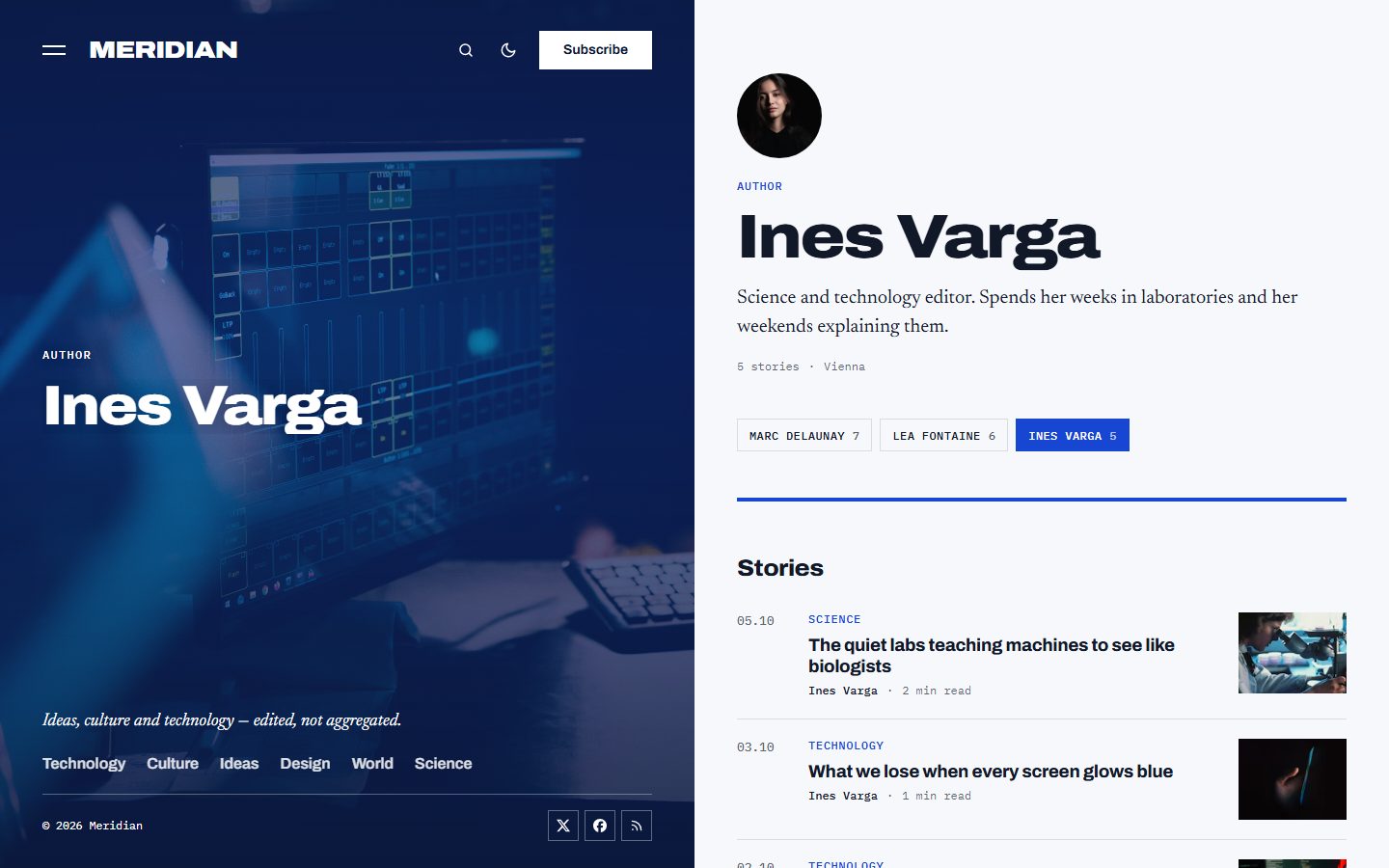
On large screens, the left half of the page stays in place. Scroll the magazine or point at a story, and the panel fades to its photo, turned to the panel color, with its title set very large in expanded Archivo. On an article, a tag or an author page, the panel shows its own image and name. On phones and tablets, the panel becomes the opening screen of each page. Readers who prefer reduced motion get a calm panel that keeps the first story.
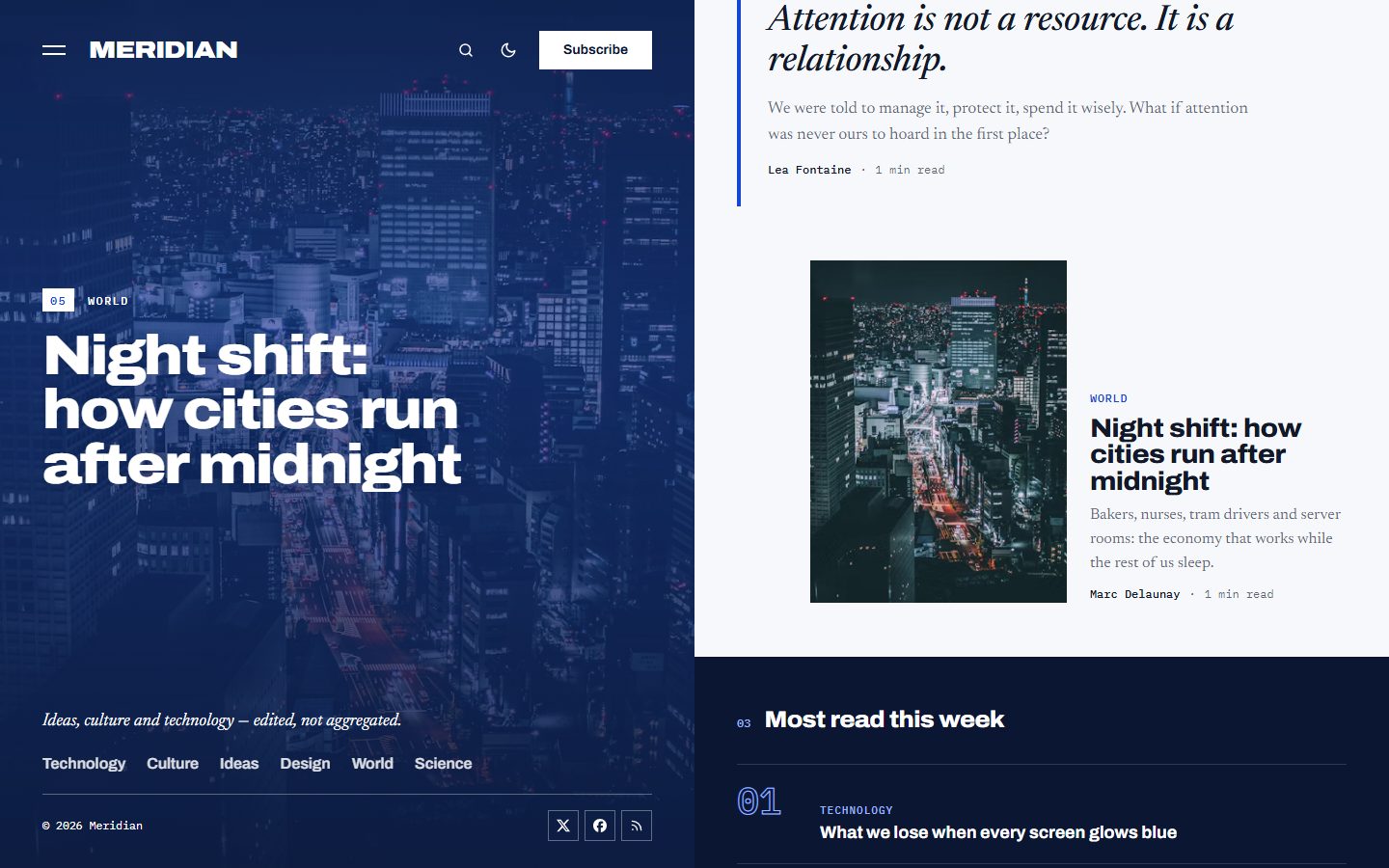
A cover story
Mark a post as Featured and the most recent one becomes the cover story: its image and title in the panel, its standfirst in large serif type at the top of the column.
Editor's picks, in rhythm
Tag up to four posts with the internal tag #picks: a tall and a low story side by side, an essay without image in italic serif, and an offset story. Without the tag, the theme picks the latest stories after the cover. The heading is yours to change.
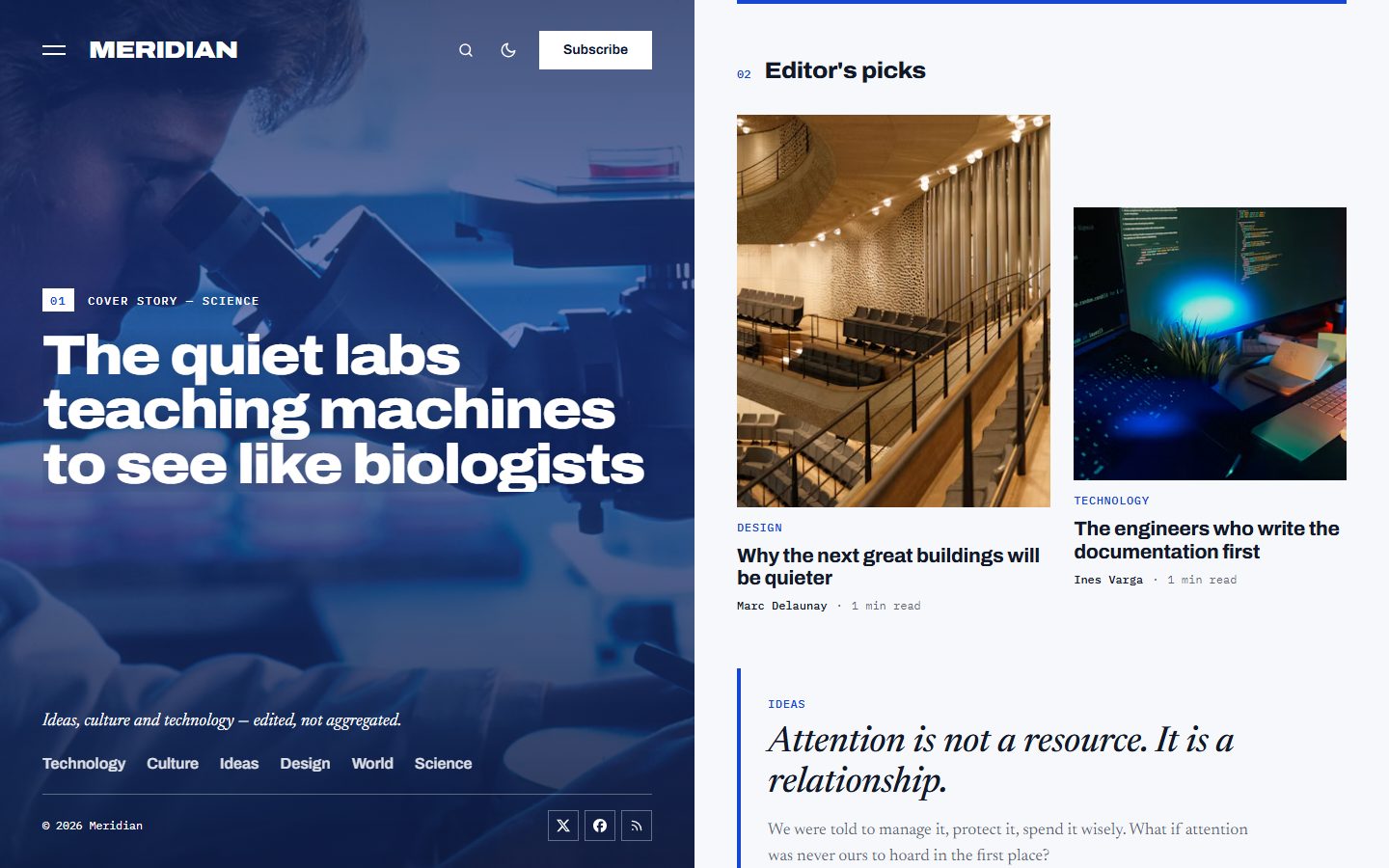
Most read
Tag posts with #trending and the five latest appear as a numbered list with outlined figures, on a navy band. Without the tag, the theme lists the latest posts.
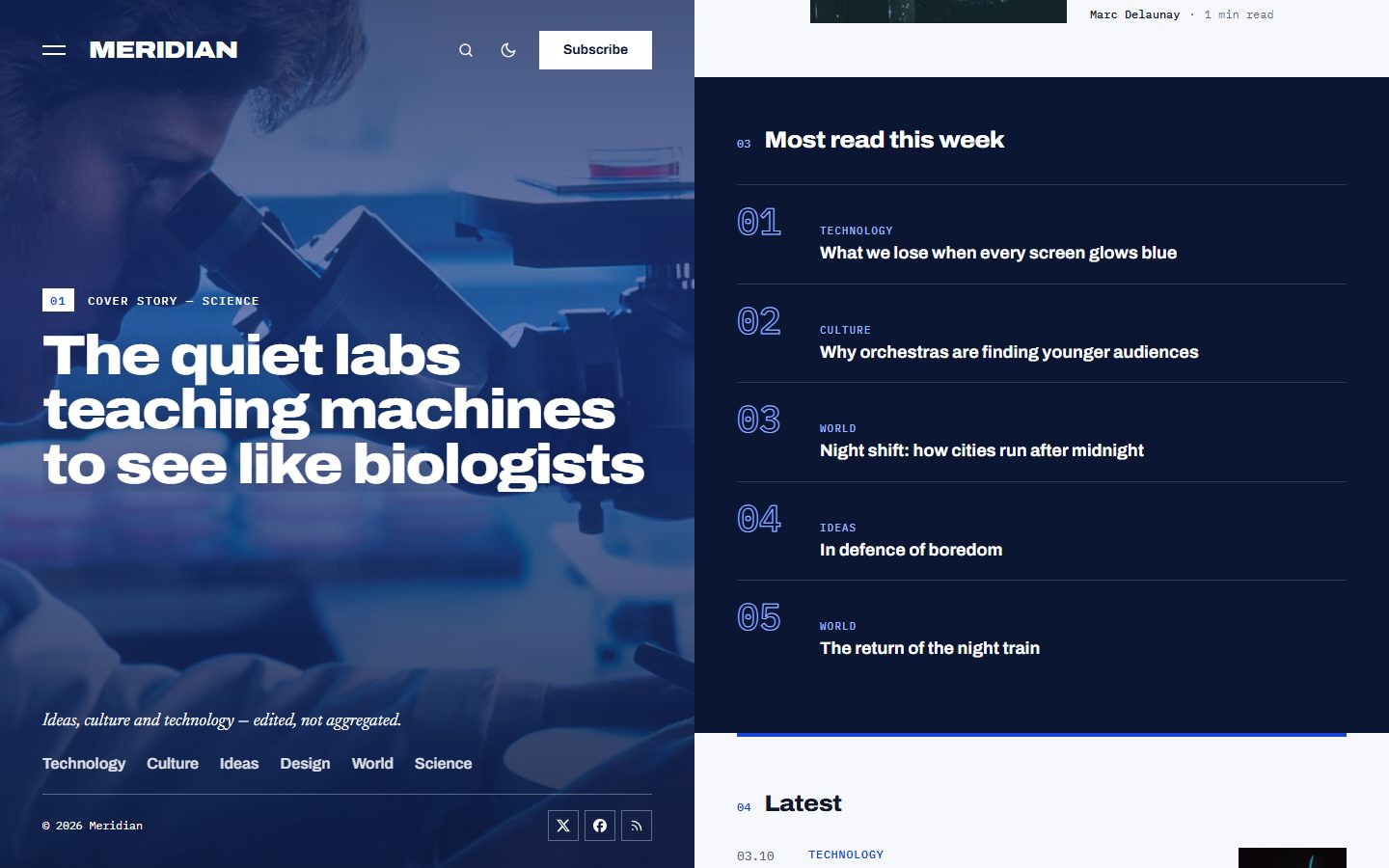
The latest stories
A clean list with date, category, title, reading time and a thumbnail. Stories already shown above are skipped, and a Load more button brings the next ones without leaving the page.
A full-screen menu
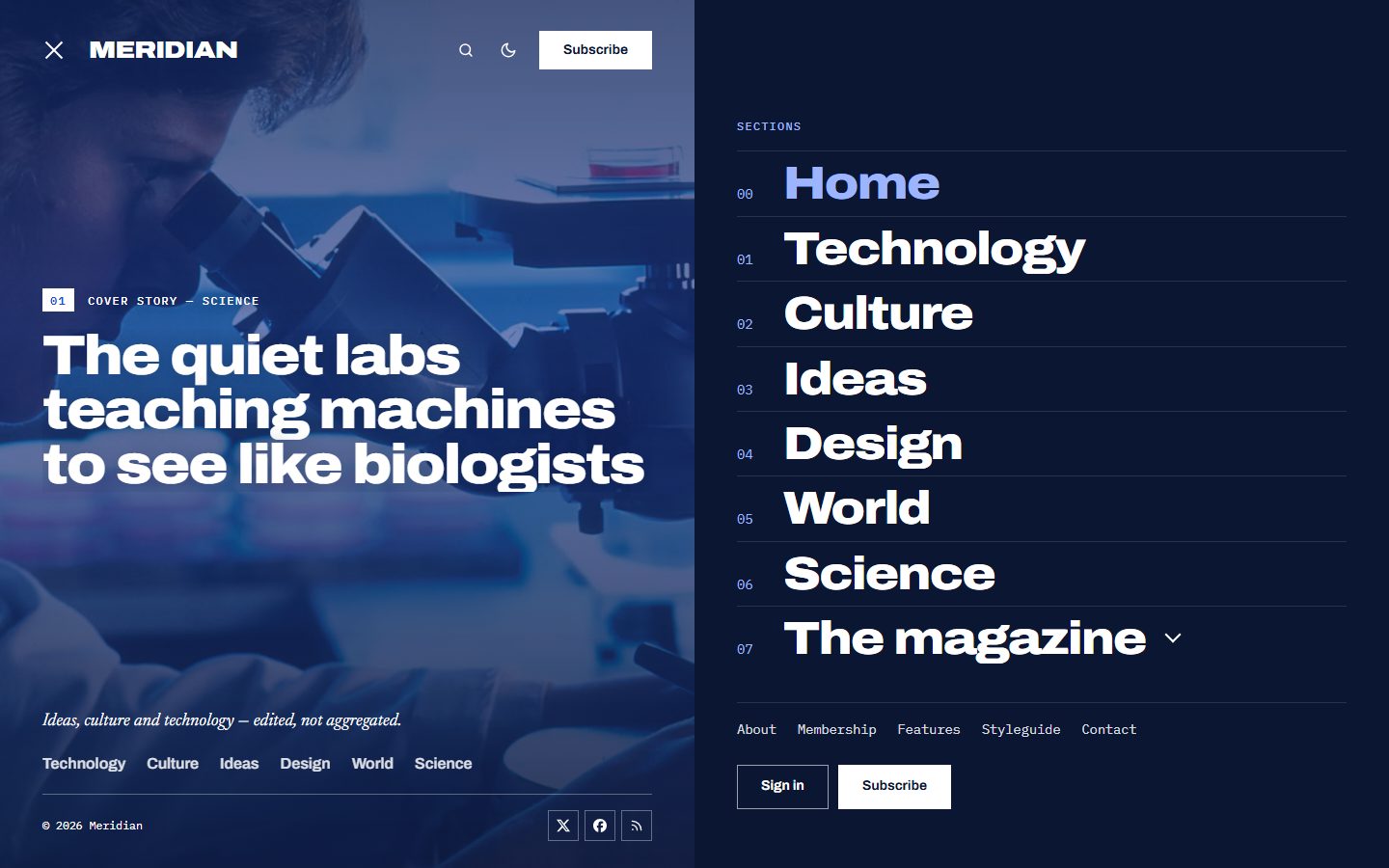
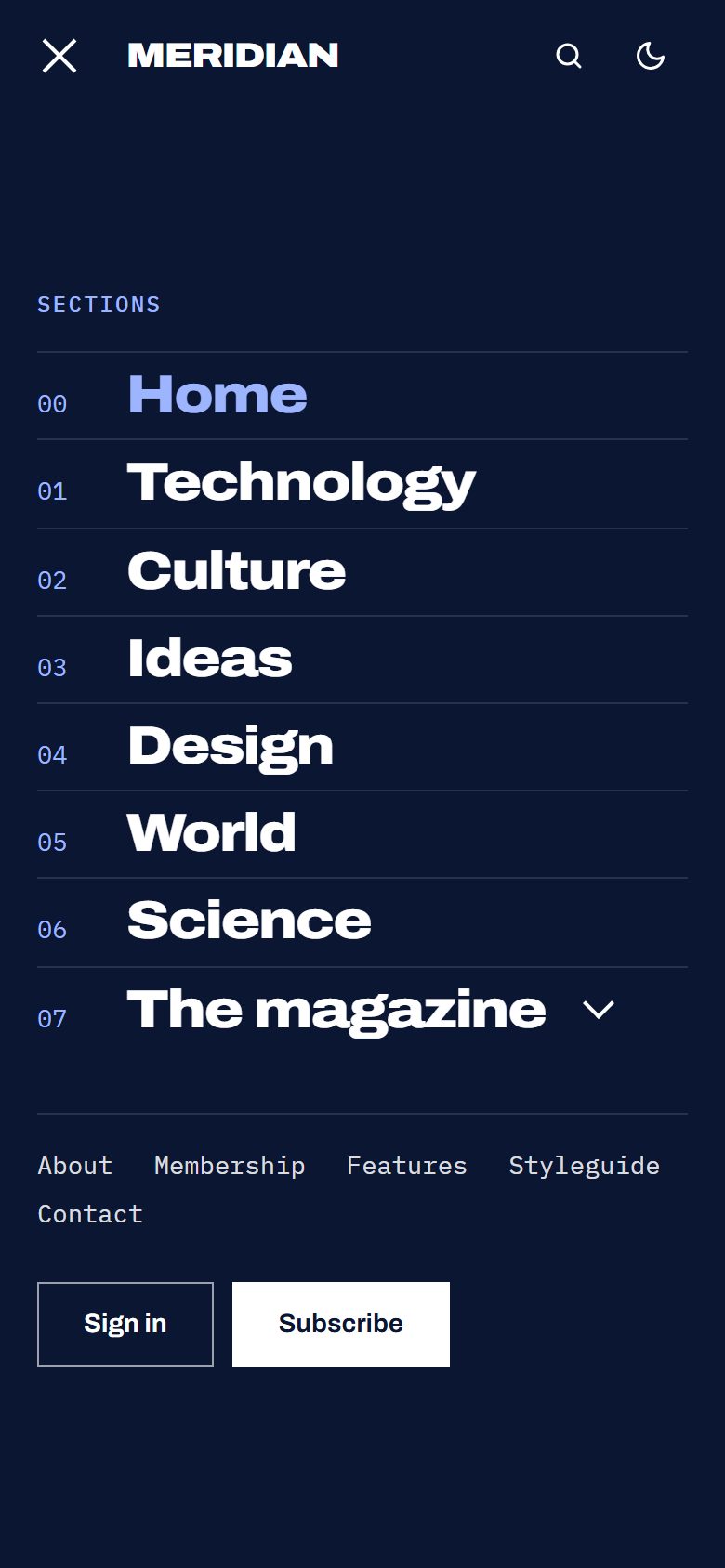
The menu opens on a navy screen with your navigation in very large numbered type. Items whose label starts with a dash become a sub-list of the item above them. Your secondary navigation and the sign-in buttons sit underneath.
Long reads, beautifully set
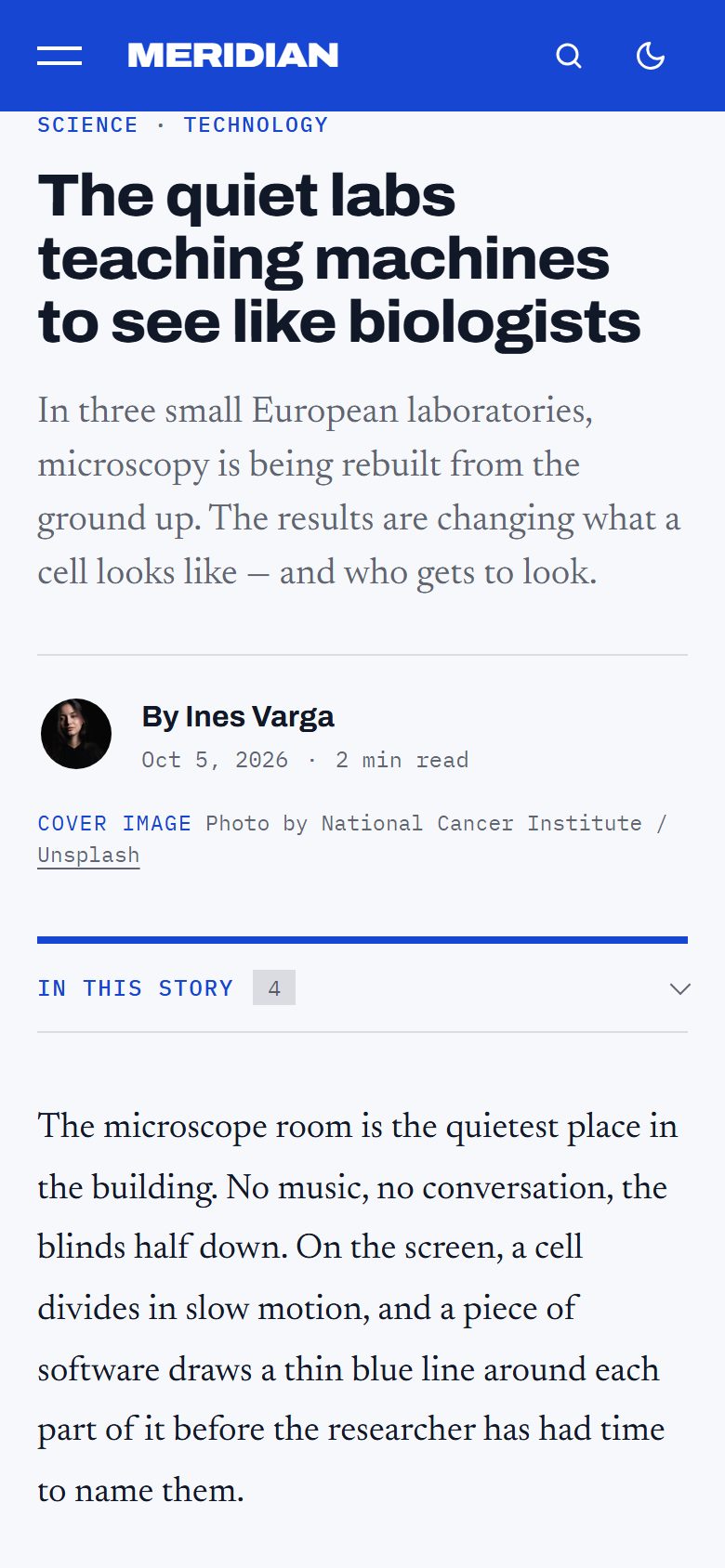
Articles are set in Newsreader, with mono metadata and square cobalt rules. Long stories get a table of contents that marks the section you are reading, and a thin reading progress bar.
Topics and authors
Tag and author pages put their image and name in the panel, and list the stories in the column with chips to jump to another topic or writer.
Stay curious
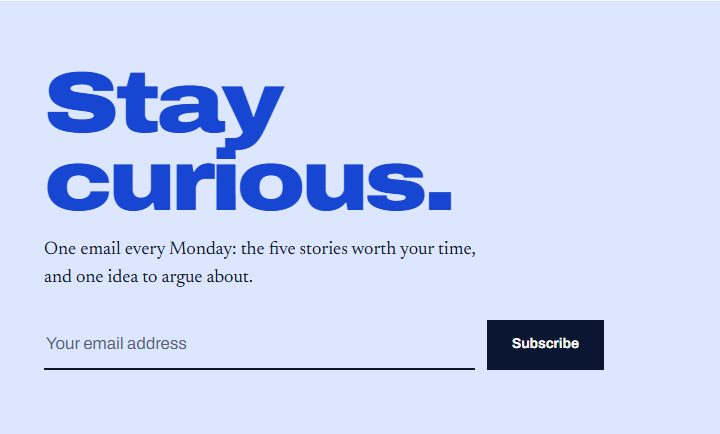
A subscription block in expanded cobalt type ends the column on every page, connected to Ghost's members. Heading and text are yours to choose.
Light or dark
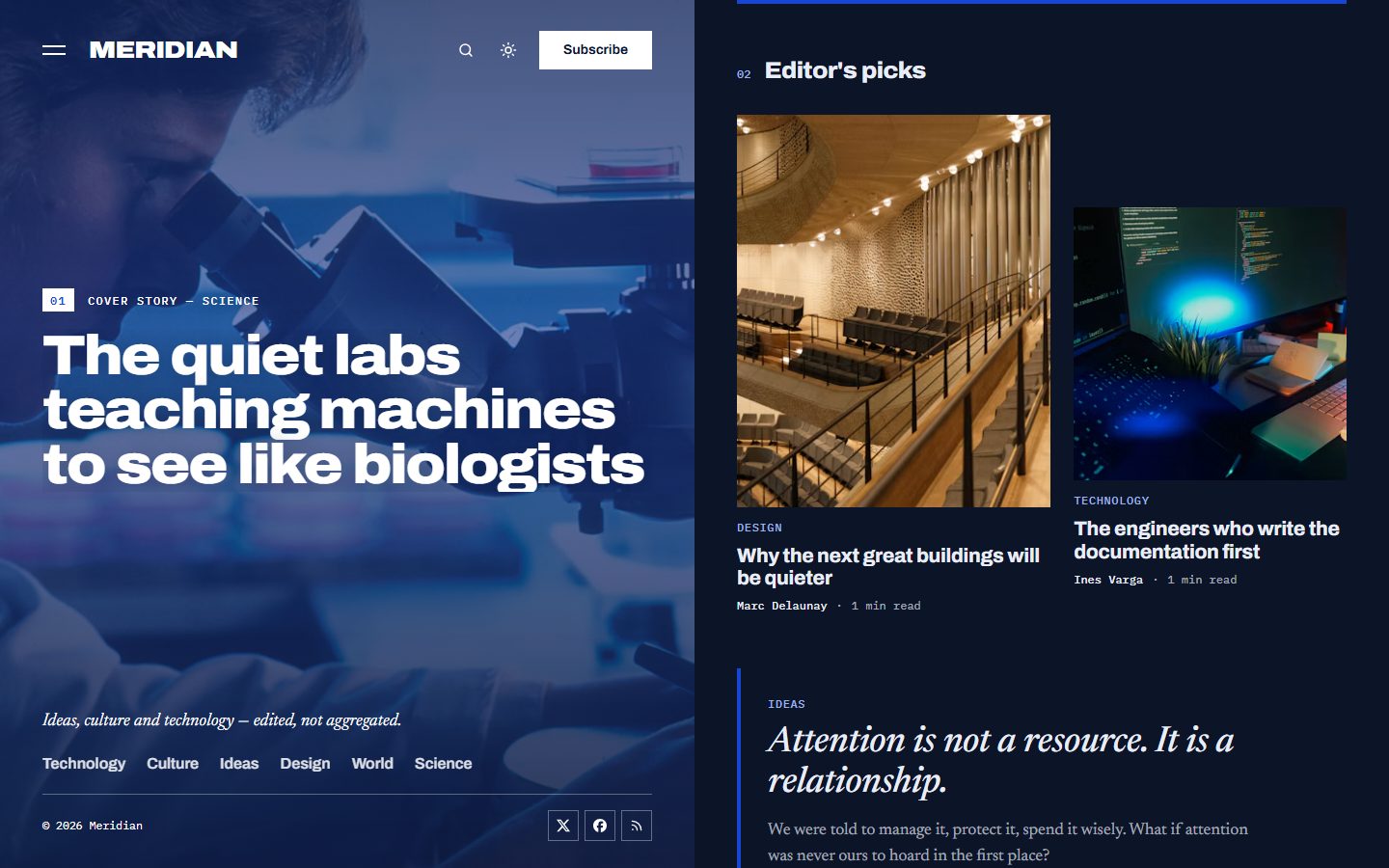
The magazine column is printed on cool white paper by default and also comes in a deep navy scheme. Choose Light, Dark or Auto, and readers can switch at any time.
On every screen
Theme settings
All options live in Settings → Design & branding.
- Homepage blocks: issue line, cover story, editor's picks, most read and latest stories, each switchable on or off, plus the newsletter at the end of every page.
- Panel: its color, a logo for the panel, how strongly the color covers the photos, and the sentence at its foot.
- Words: issue label, picks and most read headings, newsletter heading and text.
- Color scheme, other social links next to Ghost's own accounts, and a table of contents on long articles.
Everything Ghost offers
- Members, free and paid subscriptions, members-only stories.
- Newsletter signup connected to Ghost, native search, comments.
- All editor cards, shown on the Styleguide page.
- SEO metadata, responsive images and a fully translatable theme.
- Every animation is turned off for readers who prefer reduced motion.